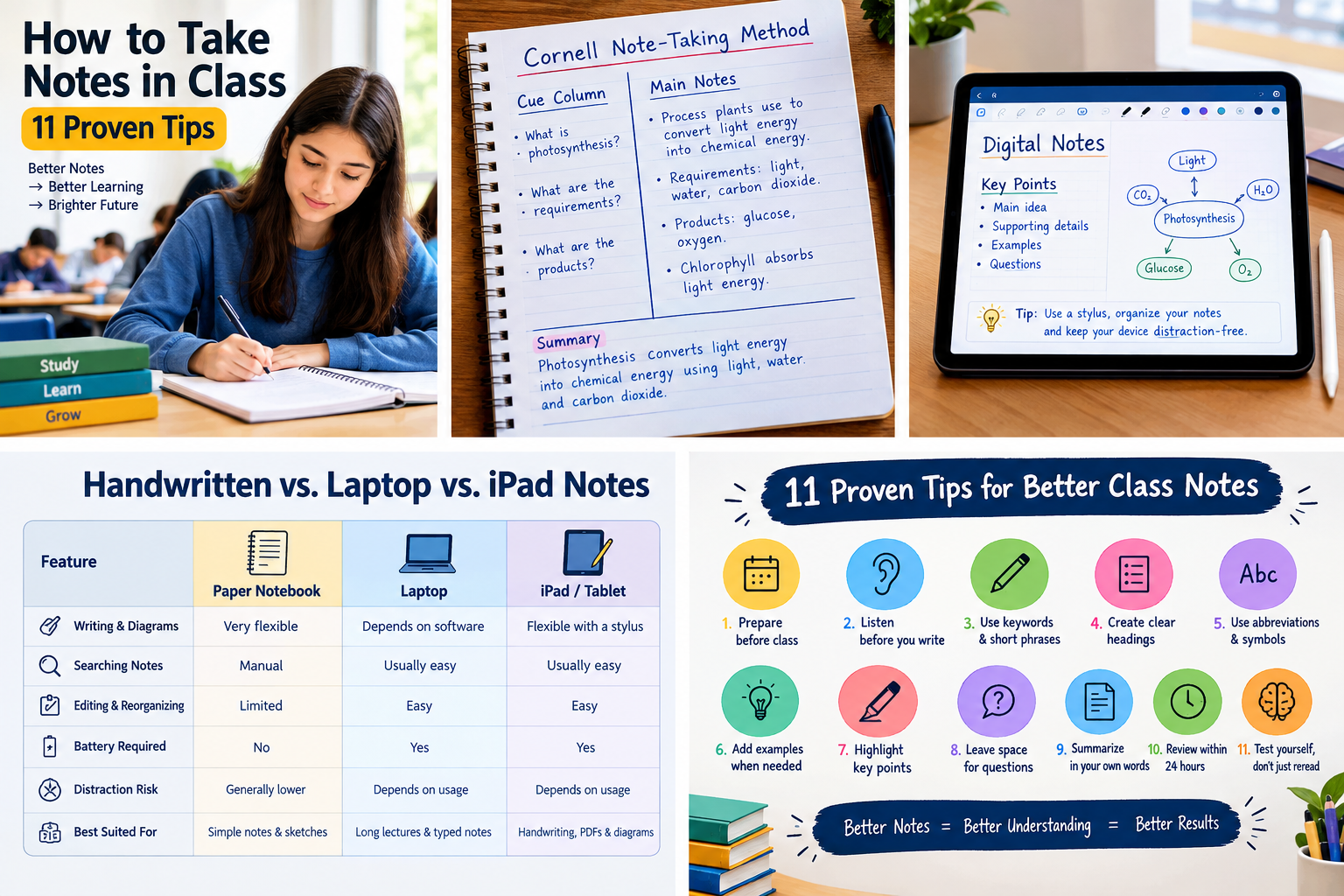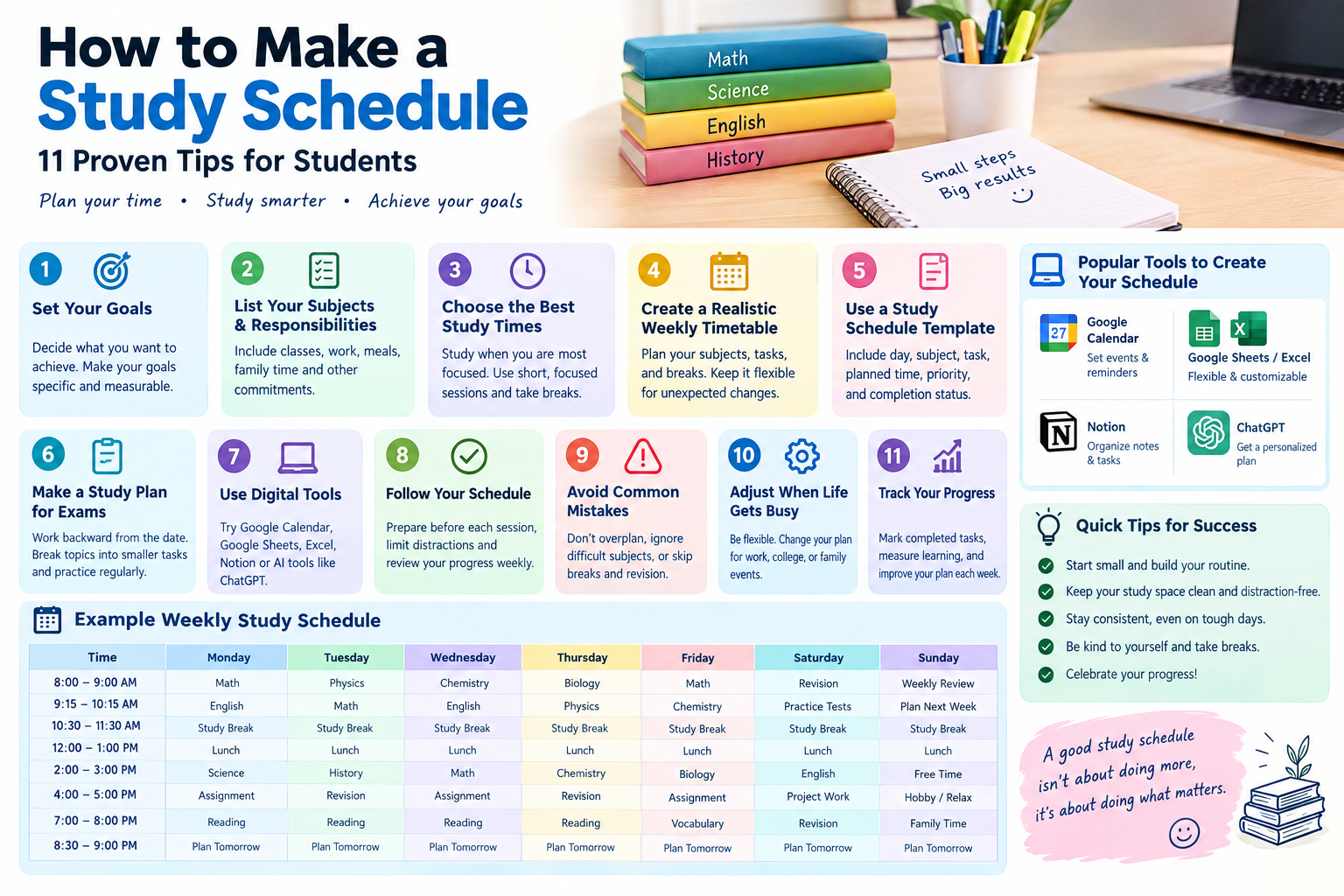







Most students don’t fail exams because they’re lazy. They fail because they study without a plan. Rereading notes for hours feels productive, yet it rarely builds the kind of memory you need on test day. A well-made study guide fixes that problem.
If you want to know how to create a study guide that actually works, you’re in the right place. In this article, you’ll learn:
- What a study guide is and why it works
- How to build one in seven clear steps
- How to make a study guide for an exam
- How to turn a textbook or PowerPoint into a guide
- How to use AI tools like ChatGPT, NotebookLM, and Quizlet without losing the learning benefits
We’ll finish with a free study guide template you can copy today, plus tips for saving your work as a PDF. Ready to turn messy notes into a clean, test-ready plan? Let’s start.
What Is a Study Guide and Why Does It Work?

What is a study guide?
A study guide is a condensed, organized summary of the material you need to learn for a class or test. It pulls key terms, concepts, formulas, dates, and examples into one place so you can review fast and test yourself. Think of it as a map of the course, not a copy of your notes.
What is a study guide for an exam?
A study guide for an exam is built around what the test will actually ask. It focuses on the topics your teacher listed, the question types you expect, and the skills you must show, such as solving problems or writing essays. It leaves out everything that won’t be tested.
Study guide vs. class notes
| Feature | Class notes | Study guide |
|---|---|---|
| Purpose | Record what you heard or read | Prepare you for a specific test |
| Length | Long and detailed | Short and condensed |
| Organization | Follows the lecture order | Grouped by exam topic |
| Practice questions | Rarely included | Built in |
| When you use it | During class | In the days before the exam |
Why study guides work
Research backs this up. A well-known review by Dunlosky and colleagues (2013) in Psychological Science in the Public Interest rated practice testing and spaced practice as highly effective techniques. It rated highlighting and rereading as low in usefulness. A strong study guide pushes you toward the first group: it organizes the material, then gives you questions to answer from memory.
How to Create a Study Guide in 7 Steps

Here is the full process in one line: gather, scope, organize, condense, add questions, test yourself, and revise. The steps below break it into three short stages.
Steps 1 to 3: Gather, scope, and organize
Step 1: Gather your materials. Collect everything you need in one place:
- Class notes and lecture slides
- Textbook chapters
- Homework, quizzes, and past tests
- Any review sheet your teacher gave you
Missing something? Ask a classmate now, not the night before the test.
Step 2: Define the scope. Write down exactly what the exam covers: chapters, dates, and question types. If your syllabus lists learning objectives, copy them. These become the backbone of your guide.
Step 3: Organize by topic. Sort everything into 5 to 10 main topics. Use the order of your syllabus, or group ideas that connect. For example, a biology unit might split into cell structure, energy, and genetics.
Steps 4 and 5: Condense and add practice
Step 4: Condense each topic. Under each heading, write only what you need to recall:
- Definitions of key terms
- Formulas and when to use them
- Cause-and-effect links
- One example per idea
Use your own words. Rewriting forces your brain to process the idea, while copying does not.
Step 5: Add practice questions. At the end of each topic, write 3 to 5 questions you could be asked. Mix the types:
- Define a term
- Explain a process
- Solve a problem
- Compare two ideas
This turns a summary into a testing tool.
Steps 6 and 7: Test yourself and revise
Step 6: Quiz yourself from memory. Cover the answers and try the questions first. Mark every miss with a star. Those starred items are your real study list.
Step 7: Revise and repeat. After each session, update the guide. Add what you missed, trim what you already know cold, and review again after a day, then three days, then a week. Spacing your reviews beats one long cram session.
How to Make a Study Guide for an Exam

The best way to make a study guide for an exam depends on what the exam looks like. Adjust the same seven steps to match the format.
Match your guide to the exam type
| Exam type | What to focus on | Best guide format |
|---|---|---|
| Multiple choice / short answer | Terms, facts, quick comparisons | Two-column term table, flashcards |
| Essay | Arguments, themes, evidence | Outline with thesis and three supporting points |
| Math | Formulas, steps, worked examples | Formula sheet plus practice problems |
| Science | Processes, diagrams, vocabulary | Mind map plus flashcards |
| Open book | Where to find answers fast | Index of page numbers and key formulas |
Tips for each exam type
- Multiple choice: Add a “commonly confused with” column for look-alike ideas, such as mitosis and meiosis.
- Essay: Practice writing a five-minute outline from memory for each major theme.
- Math and science: List each formula, when to use it, and one worked example. Redo any problem you got wrong.
A simple study guide timeline
| Time before exam | What to do |
|---|---|
| 2 weeks | Gather materials and define the scope |
| 10 to 12 days | Build the guide topic by topic |
| 7 to 9 days | Add practice questions |
| 3 to 6 days | Quiz yourself and mark misses |
| 1 to 2 days | Review starred items and your “top 10” page |
If your test is only a week away, our guide on how to study for exams in one week shows how to schedule it.
How to Create a Study Guide for Students: Formats Compared
Choosing the right format makes the guide easier to use. This section covers how to create a study guide for students at any level, from high school to college.
Which study guide format should you pick?
| Format | Best for | Strength | Weakness |
|---|---|---|---|
| Outline | History, literature, biology | Clear hierarchy, easy to scan | Can become a copy of your notes |
| Cornell notes | Lectures, any subject | Built-in cue questions | Takes time to set up |
| Mind map | Big-picture subjects | Shows how ideas link | Hard to fit detailed facts |
| Flashcards | Vocabulary, formulas, dates | Perfect for self-testing | Weak for processes and essays |
| Question-and-answer sheet | Any exam | Trains recall directly | Takes effort to write good questions |
Many students combine two formats, such as an outline for structure plus flashcards for terms.
High school vs. college study guides
- High school: Tests cover smaller units, so one-page guides per chapter often work.
- College: Exams cover more material and test deeper understanding. Build a longer guide organized by theme, and include practice essays or problem sets.
Make it visual
- Color-code each topic
- Use diagrams for processes
- Leave white space between sections
A guide that looks clean is one you’ll actually open.
How to Create a Study Guide From a Textbook or PowerPoint
From a textbook
- Start with the chapter summary and review questions, since they show what the author considers important.
- Skim the headings and bold terms.
- Turn each heading into a question, such as “Why did the Roman Republic collapse?”
- Answer each question in two or three sentences using your own words.
- Skip full paragraphs of detail unless your teacher stressed them.
From a PowerPoint
- Don’t copy slides word for word. Take each slide’s title and ask what it means in plain language.
- Add the example your teacher gave aloud, because that detail is often missing from the slide.
- Merge slides on the same idea into one section of your guide.
Combine your sources
The strongest guide blends the textbook, the slides, and your own class notes. When they disagree, trust what your teacher emphasized in class.
How to Create a Study Guide With AI (ChatGPT, NotebookLM, Quizlet)
AI can save time, as long as you stay in charge of the learning. Use it to organize and quiz, not to replace your own thinking.
Which AI tool should you use?
| Tool | Best for | How it helps | Watch out for |
|---|---|---|---|
| ChatGPT | Turning notes into summaries and quizzes | Organizes pasted notes, writes practice questions | Can invent facts, so verify everything |
| NotebookLM | Working from your own files | Builds a study guide from uploaded sources | Features change, so check the current menu |
| Quizlet | Flashcards and quick recall | Study sets, learn mode, and practice tests | Not ideal for essays or long explanations |
How to use ChatGPT to create a study guide
Paste in your notes, then give a clear prompt. For example:
“Turn these notes into a study guide for a college biology midterm. Group by topic, list key terms with short definitions, and end each section with five practice questions. Don’t add anything that isn’t in my notes.”
That last sentence matters. It keeps the AI from inventing facts. Always check the output against your textbook.
How to create a study guide in NotebookLM
NotebookLM, Google’s AI research tool, lets you upload sources such as PDFs, slides, and notes, and then generate a study guide from them. Because it works from the files you provide, its answers stay closer to your actual course material.
- Upload your textbook chapter and lecture slides
- Open the study guide option in the tool
- Edit the result and add your own examples
How to create a study guide on Quizlet
Quizlet is best for flashcards. Create a study set, add terms and definitions, and use its learn and test modes to practice. It pairs well with a written guide: use the guide for the big picture and Quizlet for fast recall.
Common AI mistakes to avoid
- Pasting an entire textbook and accepting whatever comes back
- Skipping the fact check
- Reading the AI summary without rewriting it in your own words
If you only read an AI summary, you’ve skipped the step where learning happens.
Free Study Guide Template and PDF Options
A free study guide template you can copy
Copy this study guide template into a document or notebook:
- Course and exam date:
- Topics covered:
- Topic 1: [name]
- Key terms and definitions:
- Main ideas (in my own words):
- Formulas or examples:
- Practice questions (3 to 5):
- Questions I missed (star these):
- Repeat for each topic
- Final page: Top 10 things I must remember
What a study guide should include
- Exam scope and date
- Key terms and definitions
- Main ideas in your own words
- Formulas, dates, or examples
- Practice questions
- A list of mistakes to avoid
How to create a study guide PDF
- Build your guide in Google Docs, Microsoft Word, or a notes app.
- Choose “Download as PDF” or “Save as PDF.”
- Keep an editable copy so you can keep revising.
A PDF opens on any phone or laptop, prints cleanly, and is easy to share with a study group.
Study guide templates free PDF and study guide maker tools
Many schools, libraries, and education sites offer study guide templates in free PDF form, and a quick search will turn up plenty. Online study guide maker tools can also help you format your material, but check what each tool does with your data and whether the features are free. A template is only a starting point, so fill it in yourself.
Frequently Asked Questions
What is the best way to create a study guide?
Start with your exam topics, summarize each one in your own words, and add practice questions. Then test yourself from memory and revise what you miss. This approach combines organizing, retrieval practice, and review, which is more effective than simply rereading notes or highlighting your textbook.
How long should a study guide be?
Keep it as short as possible while covering every exam topic. For a single chapter test, one to three pages is usually enough. For a college midterm or final, five to ten pages is common. If your guide is longer than your notes, you haven’t condensed it enough.
When should I start creating a study guide?
Begin at least one to two weeks before the exam, ideally as you finish each unit. Building the guide early leaves time for repeated review, which helps memory more than cramming. If your test is sooner, build the guide in one day and spend the rest quizzing yourself.
Can I create a study guide for free?
Yes. You can build one for free using a notebook, Google Docs, or a free template. Many free tools also help with flashcards or formatting, though some features may sit behind a paid plan. The method matters more than the tool you choose.
Is it okay to use ChatGPT to create a study guide?
Yes, if you use it carefully. Give it your own notes, ask for organized summaries and practice questions, and verify the facts yourself. Don’t rely on content you haven’t checked, since AI can sound confident while being wrong. Always add your own wording.
What should a study guide include?
A good study guide includes the exam scope, key terms and definitions, main ideas in your own words, formulas or examples, and practice questions. Many students also add a list of mistakes to avoid and a one-page “must remember” summary for a final review before the test.
How is a study guide different from notes?
Notes record what you heard or read. A study guide reorganizes and condenses that information around what you’ll be tested on. Notes are the raw material, while the guide is a focused review tool with built-in practice questions.
Conclusion
Learning how to create a study guide is one of the most useful skills you can build as a student. The process comes down to seven steps:
- Gather your materials
- Define the exam scope
- Organize by topic
- Condense in your own words
- Add practice questions
- Quiz yourself
- Revise on a schedule
Pick the format that fits your subject, whether that’s an outline, flashcards, or a question sheet, and use tools like ChatGPT, NotebookLM, or Quizlet to speed things up without skipping the thinking.
Your next step is easy. Copy the template above, fill in your first topic today, and test yourself tomorrow. Small, steady sessions will beat any last-minute cram, and your next exam will feel far less stressful penstripe.